ReCheck Tutorial - Create item fact

ReCheck B.V.

ReCheck B.V.

· 3 min read
Education & Tutorials
ReCheck Tutorial - Create item fact

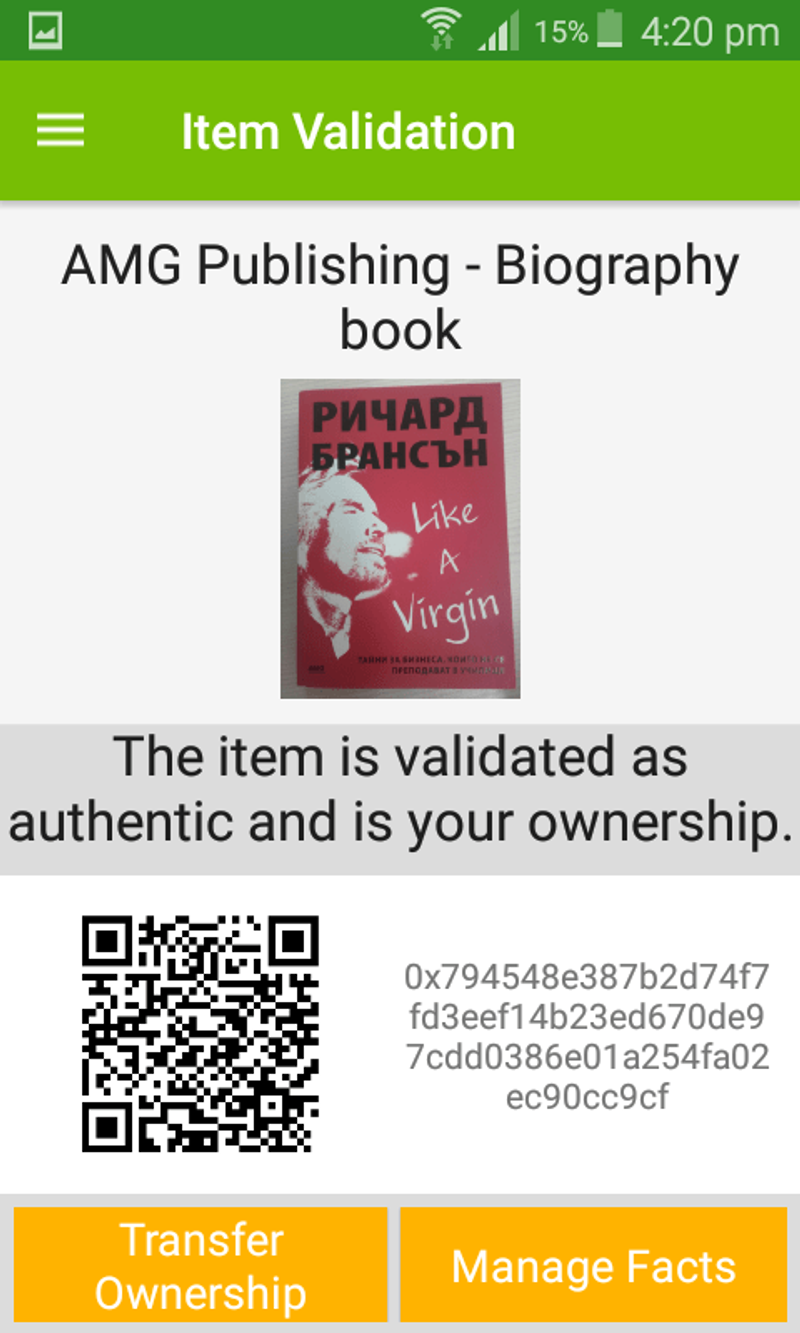
Continuing our tutorials for ReCheck, we would like demonstrate how easy it is to create a fact for an item we have already claimed as our own. 1. Select the "Manage Facts" button once the item identity has been created
ReCheck Tutorial - Create item fact

2. Tap the yellow circle to create a new fact for the item

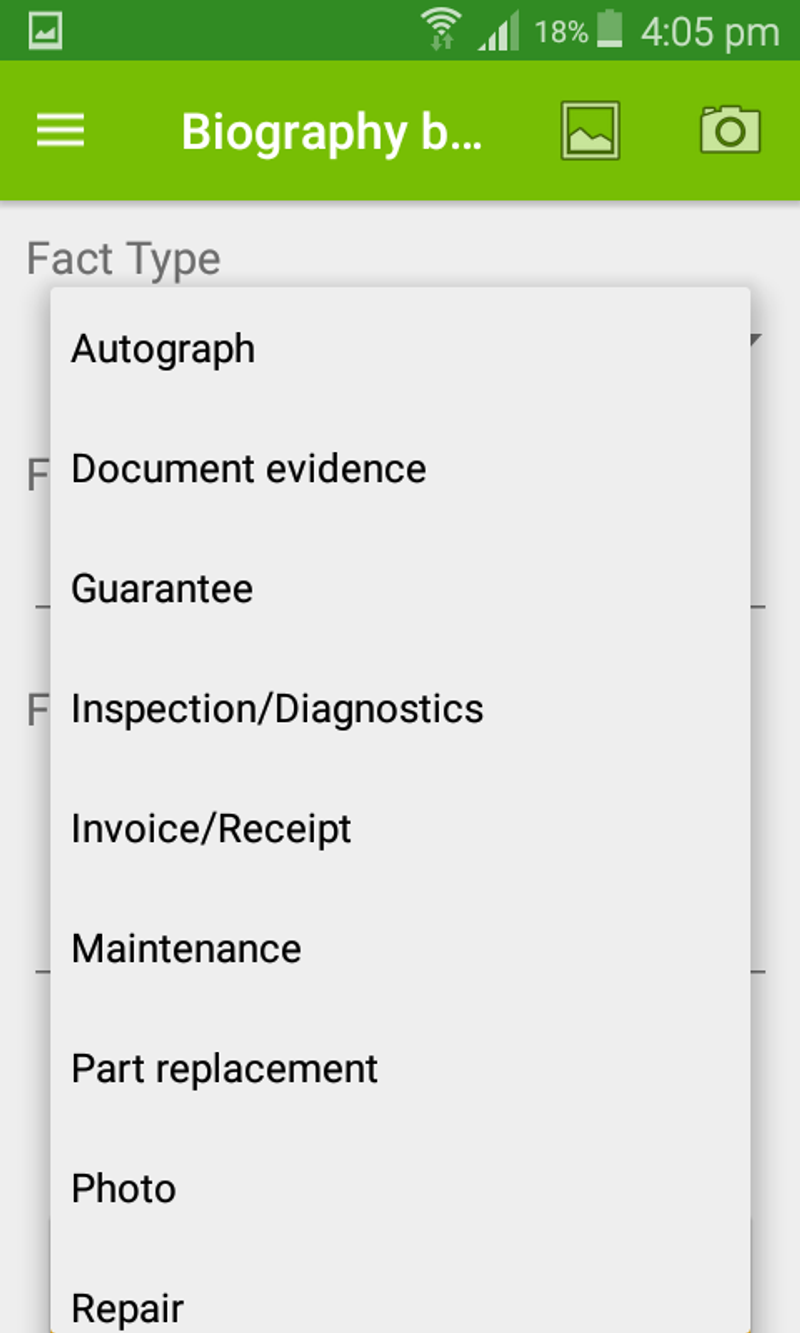
3. Choose the type of fact you want to create (optional)
ReCheck Tutorial - Create item fact

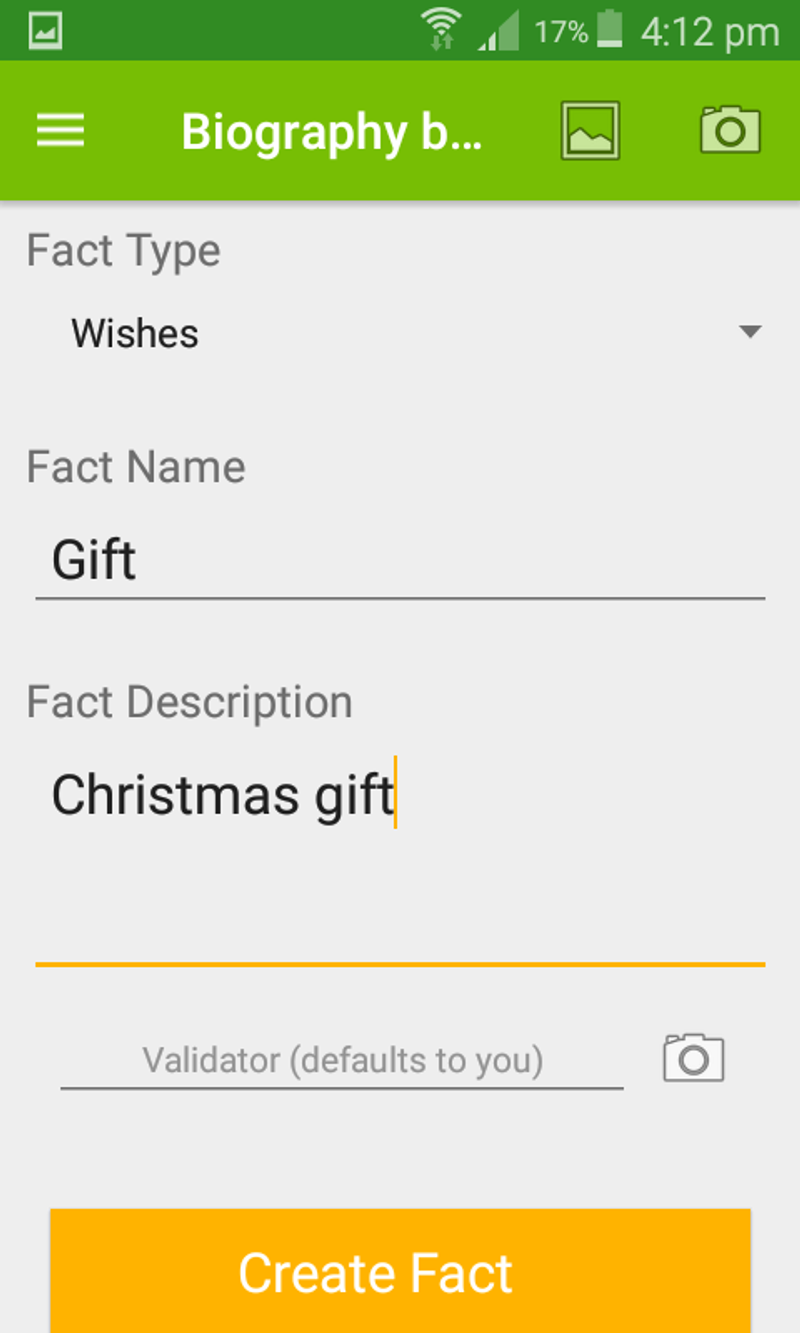
4. Enter description and fact name

ReCheck Tutorial - Create item fact

5. Create and confirm fact

ReCheck Tutorial - Create item fact

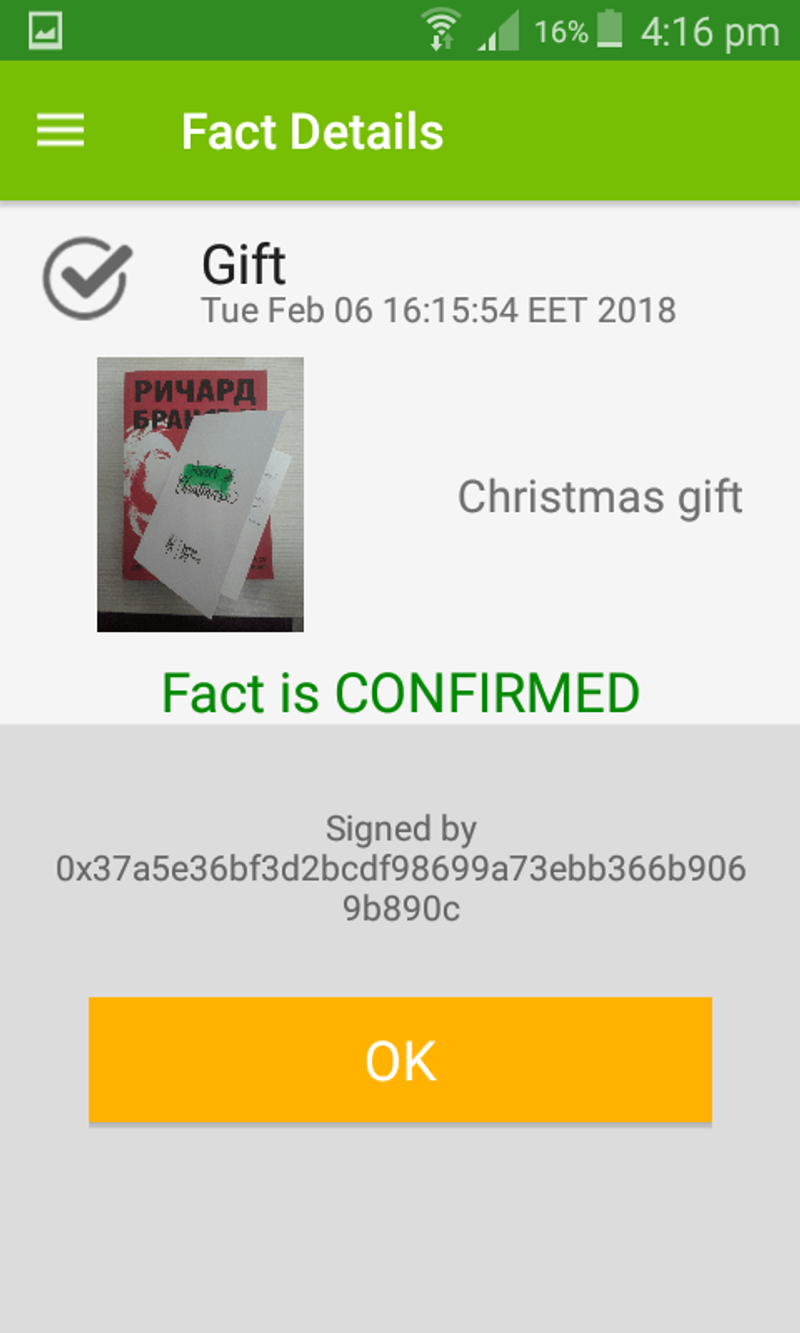
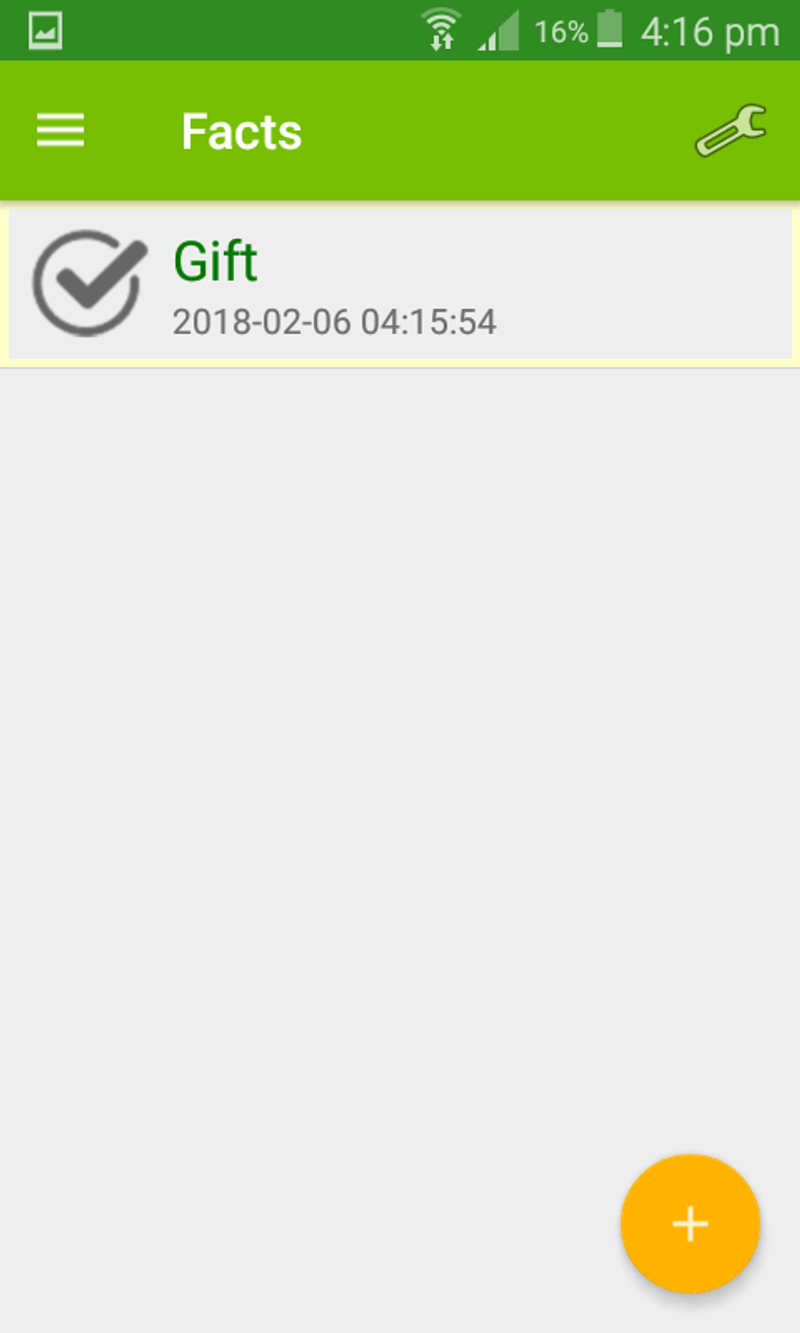
6. View fact from the item's fact list
ReCheck Tutorial - Create item fact

ReCheck video tutorial:

https://www.youtube.com/watch?v=wauihJMo3B0&t=15s

Read next

Condordium
News & Announcements ·

ReCheck Integrates with Concordium to Make Its Solutions Compliant

ReCheck, a pioneer in blockchain-based data protection, verification, and security solutions, is proud to announce its strategic partnership with Concordium. This partnership aims to enhance ReCheck’s robust solutions

Emo Enev

Emo Enev