
Transfer Ownerwship

ReCheck B.V.

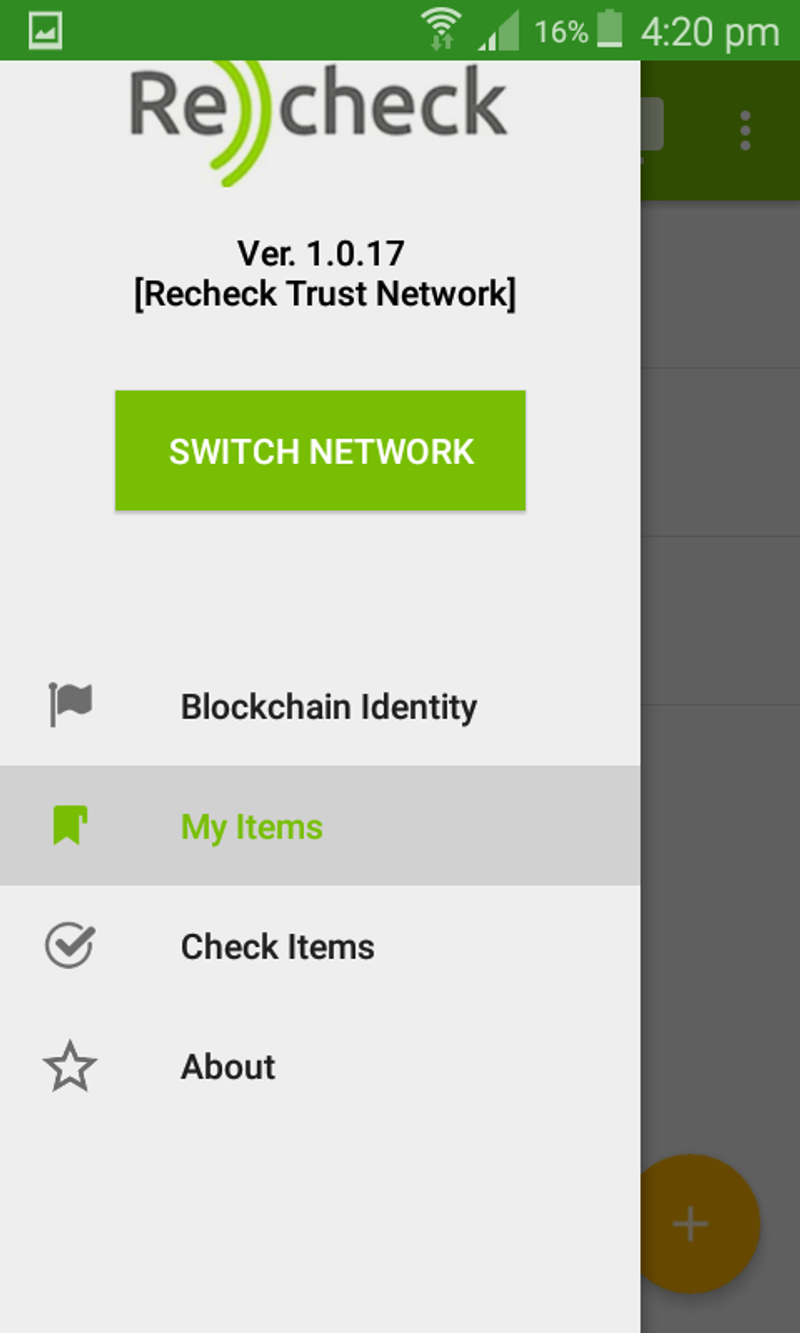
The last main subject to our tutorial will be the "Transfer Ownership" feature. 1.From "My items" select the product you want to transfer ownership to another user.
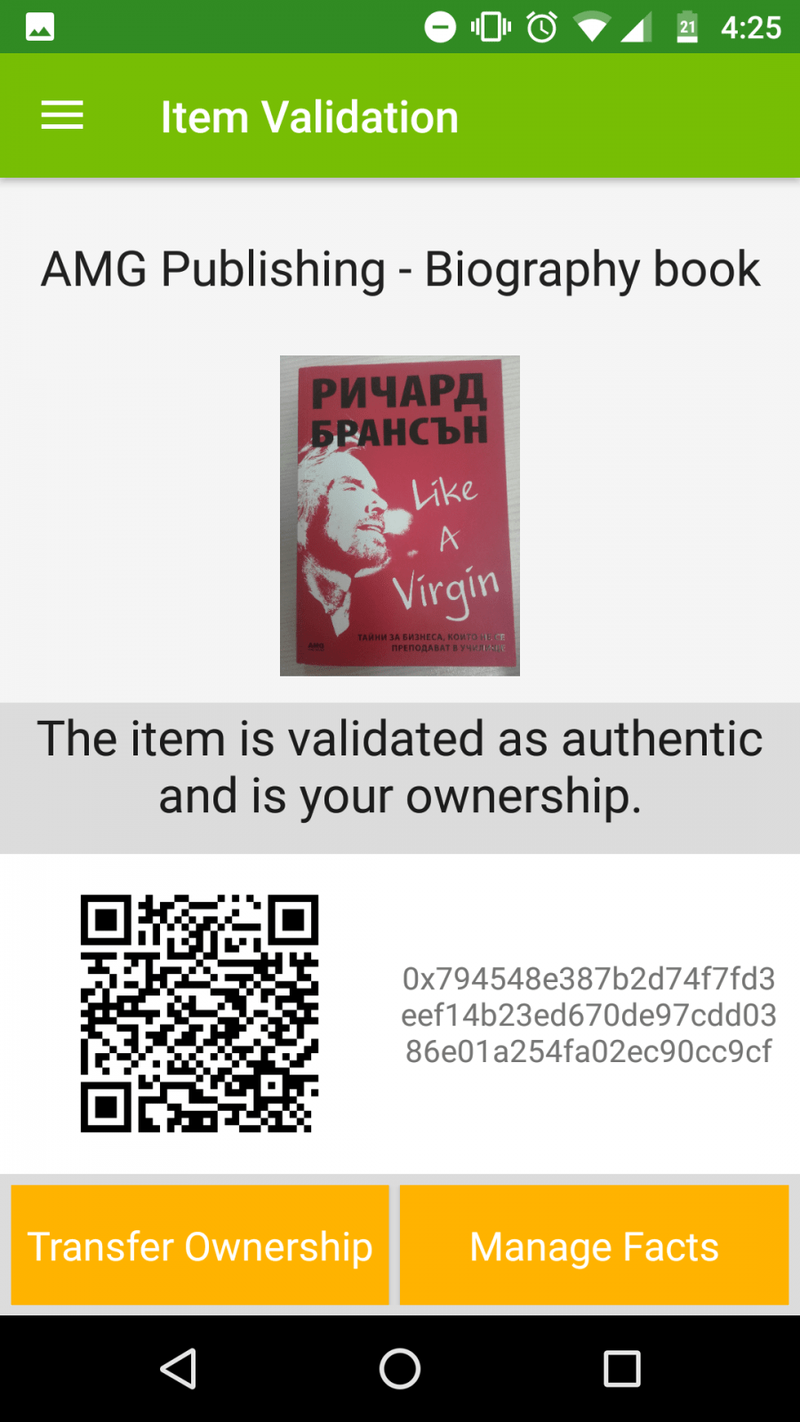
2. Select the "Transfer Ownership" button
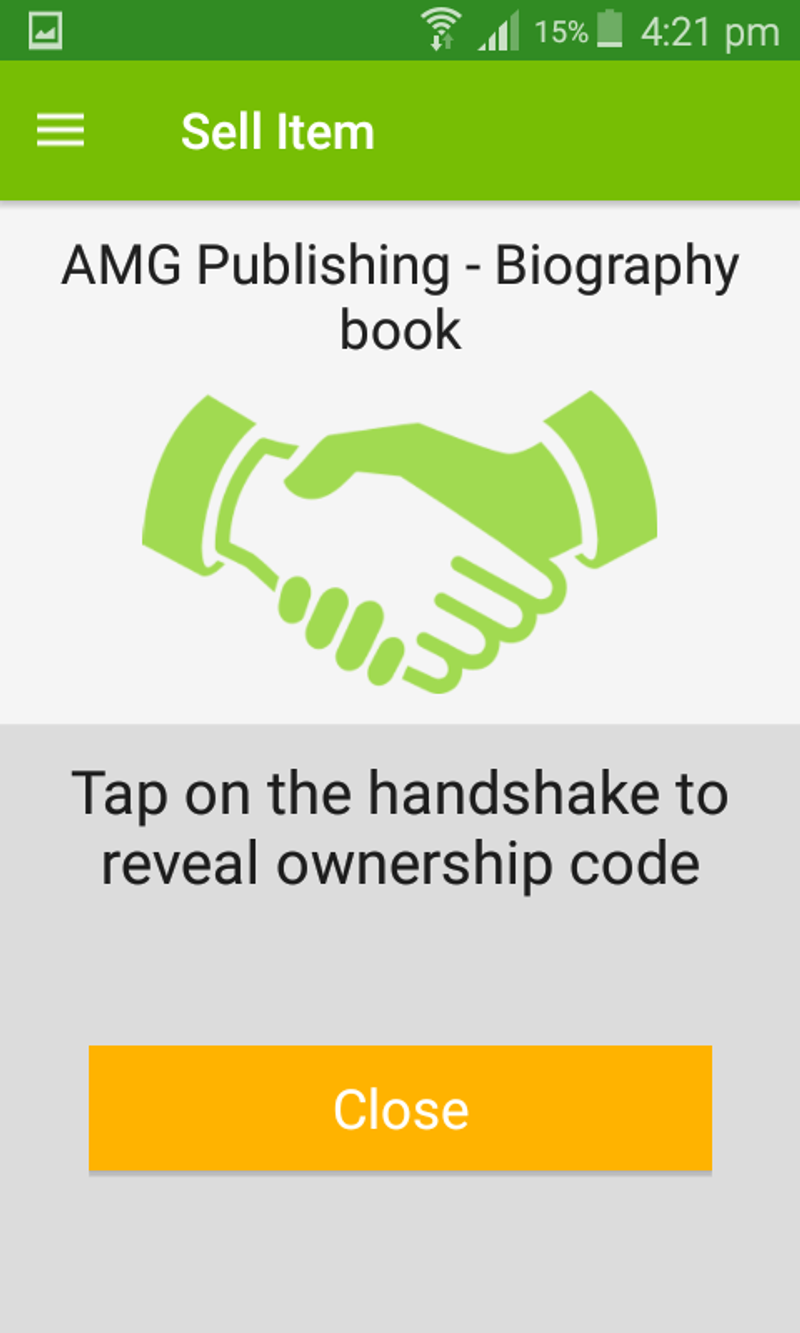
3. Tap the "handshake" icon to enable the other person scan the QR code and initiate transaction
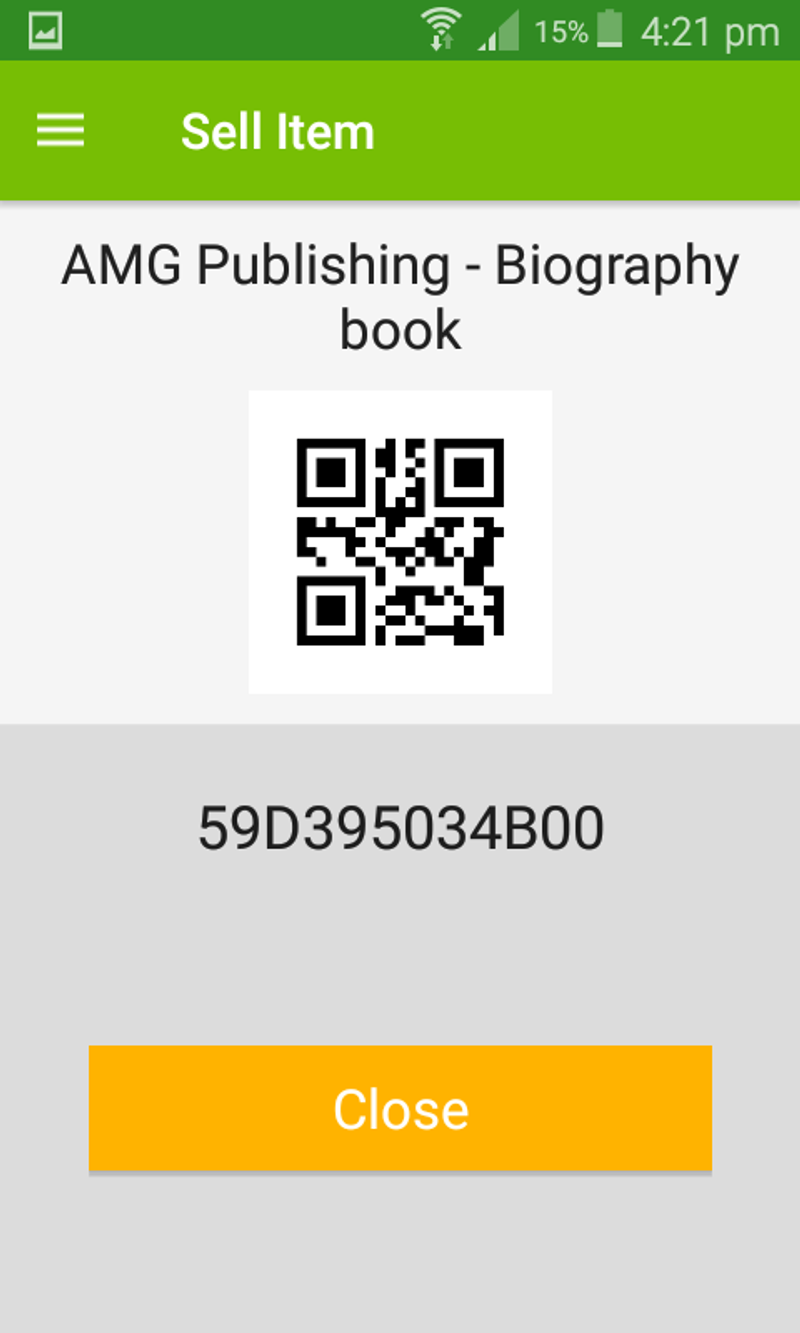
4. Scan the QR code in order to submit transaction
5. After the completion of the transaction, the other user have successfully claimed ownership of the product
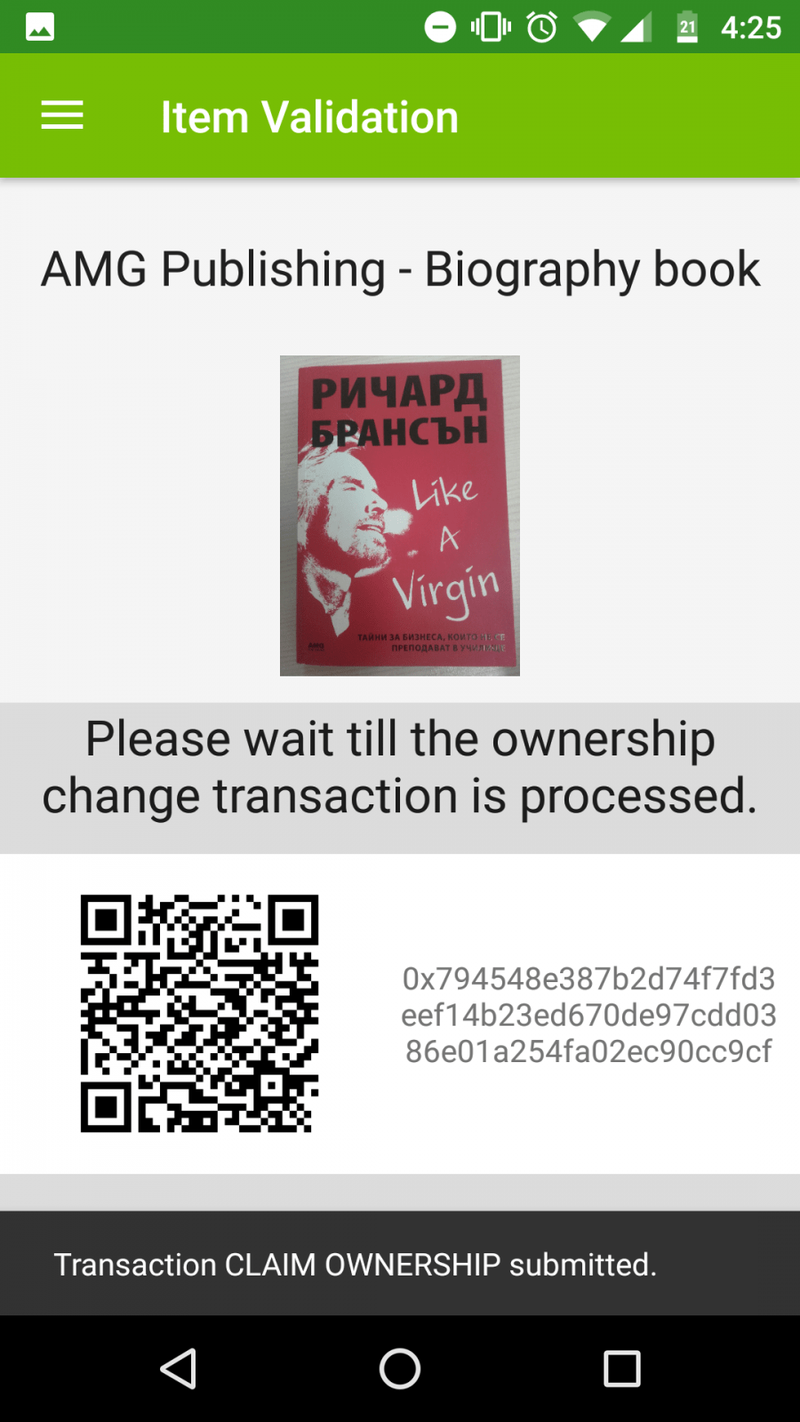
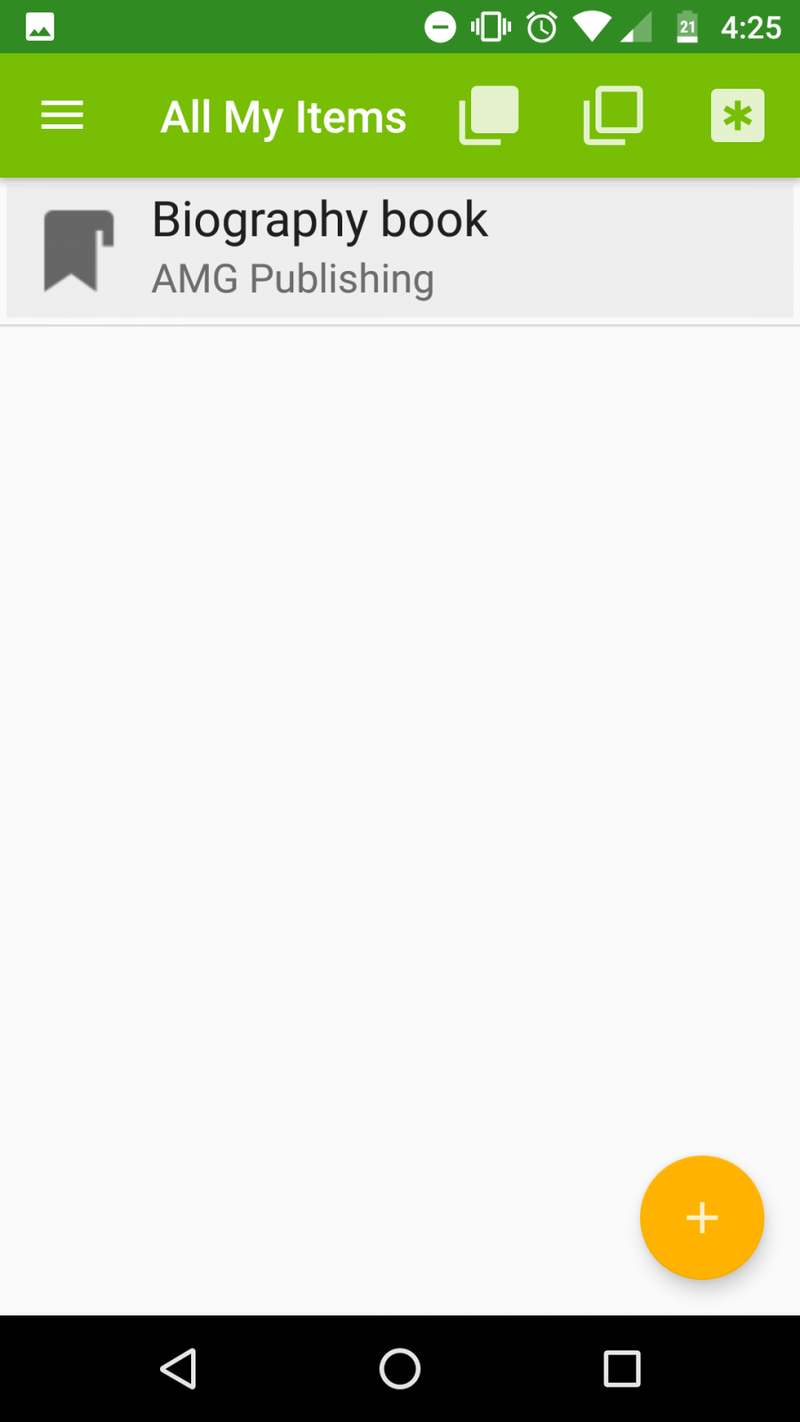
6. The product is already in the item list associated with the other user's account and device
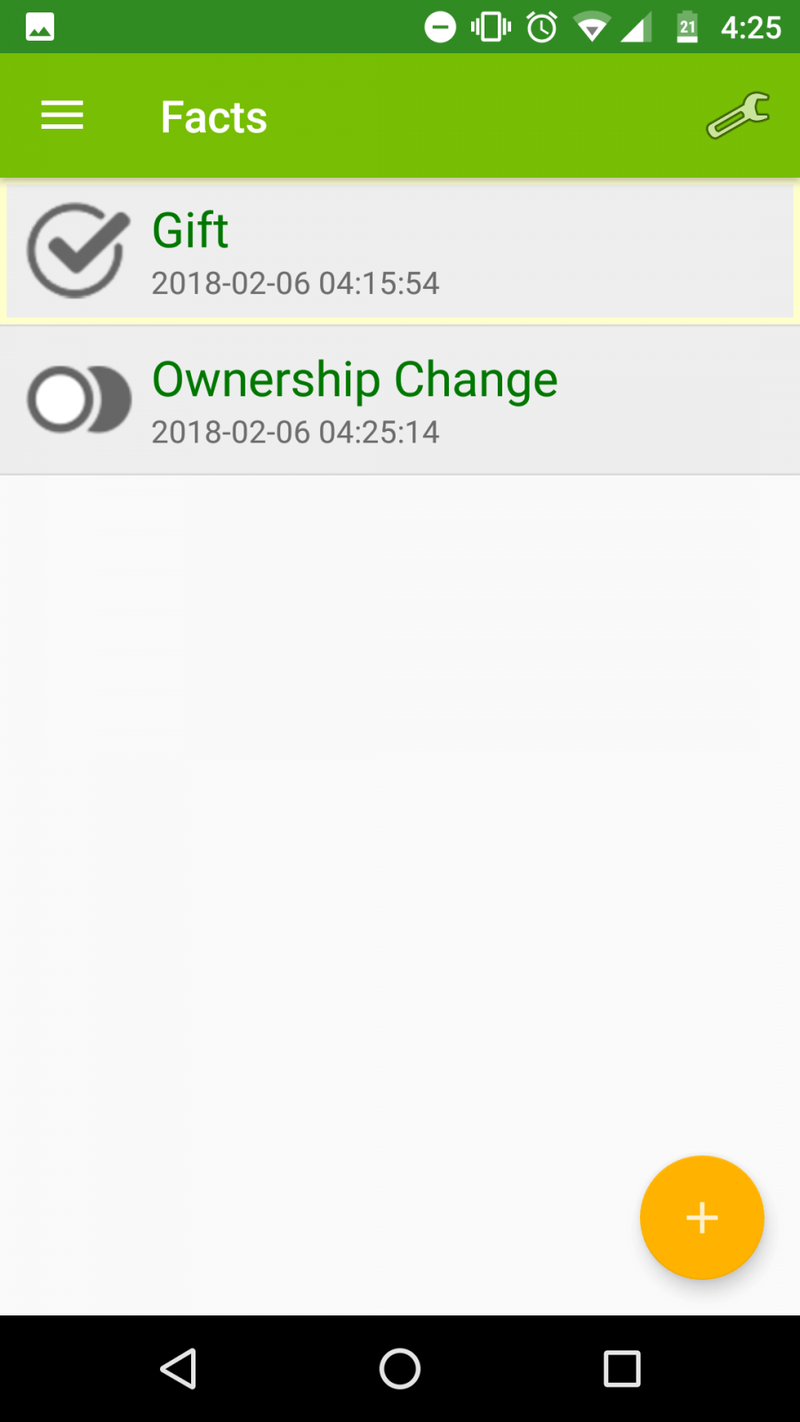
7. All facts that we created for the item are available after the transaction along with "Ownership change" timestamp, serving as proof the item has changed it's owner.
ReCheck video tutorial:
https://www.youtube.com/watch?v=wauihJMo3B0&t=10s


